AI Meeting Tools for Independent Consultants and Freelancers
Solo consultants need meeting tools built for client confidentiality and multi-engagement workflows.
A consultant's Tuesday might run a discovery call at 9am with a manufacturing client, a strategy review at 11am with a healthcare startup, and a board update at 2pm for a nonprofit client that has nothing to do with either. As an independent consultant or freelancer, you carry meeting pressures that team-oriented tools were never built to handle. You have to maintain client confidentiality without an IT department or policy framework behind you, you have no shared workspace to route notes into, you switch context constantly across unrelated engagements, and every call is expected to end in a concrete deliverable, not a vague notes file.
The solo practitioner has no helpdesk to call, no security review team to vet a new vendor, and no procurement process to slow down a bad decision before it becomes expensive. Multi-client work makes this sharper still. Notes, context, and action items from one client have to stay separate from another's, because you don't have the org-level permission structures that enterprise tools assume exist. A consultant who walks away from a discovery call without a clear summary and next steps risks losing the engagement outright, not just irritating a manager in a weekly sync.
Most AI meeting tools on the market are built and marketed around team features: shared libraries, admin controls, org-wide search. If you work alone across multiple client contexts, these features are irrelevant at best and a liability at worst. A tool designed to centralize institutional knowledge across a 50-person company solves a different problem than the one a solo consultant actually has.
Requirements for a Solo Practitioner's AI Meeting Tool
The right tool for an independent consultant has to satisfy five requirements that diverge sharply from what a team buyer prioritizes: clean client separation, flexible recording modes, strong post-meeting output quality, workflow integration without a shared workspace, and a credible privacy and data story.
If notes and transcripts come from different clients, you can organize, search, and share them independently of one another.
Not every client call needs the same posture, so your recording mode has to flex with it. A tool offering only one mode forces a consultant to choose between convenience and appropriateness on calls where that choice shouldn't have to be made. You need to know when each mode is the right call, not default to whichever one the tool happens to offer.
Post-meeting output quality determines how much time the tool actually saves. A summary that needs heavy editing before it's usable isn't a time-saver for a consultant who bills by the hour. The output has to be clean enough to send to a client or drop into a proposal with minimal revision.
Workflow integration has to function without assuming a shared team workspace exists. You need the tool to push notes and action items into the CRM, project tracker, or document storage system you already use, because you have no org-wide instance for it to route things through.
Privacy and data handling round out the list: who holds the recording, how long it's retained, whether it trains the vendor's models, and what happens if the vendor is breached. These aren't edge-case concerns for a consultant handling sensitive client conversations; they're baseline due diligence.
How AI Meeting Tools Work
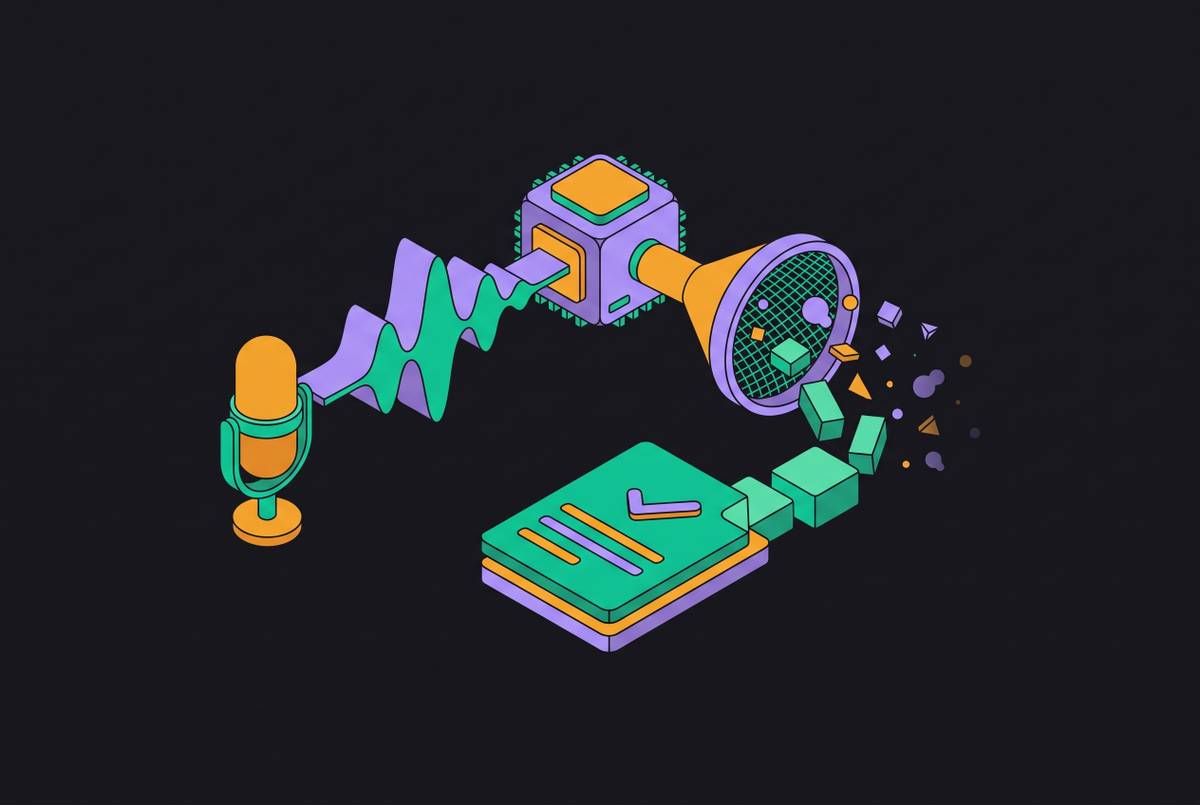
Every AI meeting tool runs the same basic pipeline, and that shared pipeline is what produces its branding-level differences: audio comes in, a speaker-labeled transcript comes out, and an AI model extracts a summary and a set of action items from that transcript. At the front of that pipeline is where the meaningful differences sit, in how the tool actually captures audio, and those differences carry real consequences for client-facing work.
Bot-based architecture has a software participant join the video call directly, so it records audio server-side and processes it in the cloud. The bot appears in the participant list for everyone on the call, which creates a visible consent signal but also changes the texture of sensitive conversations, since a client may speak differently once they see a labeled AI note-taker sitting in the meeting. The bot is visible to everyone on the call, requires a stable internet connection to join, and stores the recording on the vendor's servers by default.
Desktop or device-based architecture takes a different approach. The tradeoff is that processing still typically happens in the cloud even though capture is local, and the consultant has to disclose the recording separately, since there's no automatic visible signal doing that work.
What separates tools in practice is what happens after the transcript exists: whether the tool extracts structured action items or hands back an unstructured summary, whether it pushes data into actual CRM fields or dumps text into a generic notes field, and whether it supports the kind of post-meeting workflow a solo practitioner actually runs day to day.
Recording consent law for consultants working across state and country lines
Recording consent is the most legally active compliance question in the AI meeting tool category, and independent consultants, who routinely meet clients across state and national lines, face the most complicated version of it. In the United States, most states operate under one-party consent, meaning only one person on the call needs to know it's being recorded. Twelve states require all-party consent before any conversation can be recorded: California, Connecticut, Delaware, Florida, Illinois, Maryland, Massachusetts, Montana, New Hampshire, Oregon, Pennsylvania, and Washington.
When your participants sit in different states, the strictest applicable law generally governs the call. The safe practice for any consultant whose client base crosses state lines is to default to the strictest standard: obtain affirmative consent from every participant before recording begins, every time.
GDPR adds another layer for consultants working with EU-based clients. Courts are actively testing this terrain. As of 2026, claims brought under California's CIPA statute have been allowed to proceed past motions to dismiss in cases involving AI meeting tools, a signal that the plaintiffs' bar is actively probing this legal theory as a live avenue. The tool vendors themselves are actively navigating this risk in court, which makes it far from hypothetical or marginal to the category.
The practical safeguards hold regardless of jurisdiction. A bot-free, desktop-based tool removes the visible signal entirely, so more of the disclosure responsibility falls on you, since no built-in notification handles it.
What Free Tiers Deliver for Consulting Work
Free tiers across the AI meeting tool category have gotten meaningfully better, but the restrictions that remain, minute caps, storage limits, session length caps, file upload limits, and feature walls, tend to be exactly the ones that bite a consultant mid-engagement. Treat this as a scannable list of five checkpoints to run against any tool before trusting it with live client work.
If a call passes a set duration, per-session limits can cut off transcription mid-meeting, and that turns into a reliability problem on longer discovery or strategy sessions that are already hard to reschedule. Feature walls lock the capabilities a consultant actually needs most, CRM sync, advanced search, AI-powered action item extraction, behind paid tiers, so the free version often delivers the transcript but not the structured output that makes the transcript useful.
Whether the free offering is a genuine, perpetual freemium plan or a time-limited trial disguised as one separates tools worth evaluating from tools worth skipping. With a true freemium plan, you can run real client calls through the tool for weeks before you decide whether to pay for anything.
How Specific Tools Stack Up Against the Checklist
No single tool wins on every dimension of the checklist you just built. The right pick depends on which constraints matter most in your practice, which clients you serve, and which existing tools already anchor your workflow.
One product in the category supports both bot-based and silent desktop recording modes, giving a consultant the recording flexibility to match the posture of the call to its sensitivity. It works for in-person meetings as well as video calls, and it operates across more than 100 languages, a real advantage for consultants with international clients or anyone conducting field interviews in a language other than English. The product also treats privacy and security as foundational rather than bolted on afterward, and that's a meaningful signal if you handle sensitive client conversations.
Fathom offers the most generous free tier for individual users currently in the category: unlimited recording minutes, permanent transcript storage, and no credit card required to start, a combination that functions as a benchmark competitors are working to match. Its post-call summary speed stands out as a notable strength, among the fastest turnarounds in the category. Fathom fits you if you want to test the category at zero cost before committing, or if your clients are comfortable with a visible bot and your workflow runs through Notion or Google Docs. Advanced team management and deeper integrations sit behind an upgrade, so most solo practitioners won't rank them high, but CRM sync being paywalled is a real constraint to weigh.
Built-in AI inside Zoom, Google Meet, and Microsoft Teams offers the path of least friction if your clients already live on one of those platforms. Integration outside the platform is limited, since notes tend to stay inside that platform's own ecosystem rather than flowing out to a CRM or project tool, which constrains how much of the post-meeting workflow can be automated. This option suits you if your practice runs almost entirely inside a single platform and your follow-up doesn't depend on external integrations.
GReminders launched its Model Context Protocol server in September 2026, and now it's listed in the Claude Directory, works with ChatGPT and Microsoft Copilot, and is aimed squarely at financial advisors and professional-services firms. It positions itself as an operational hub for the full meeting lifecycle: AI-generated pre-meeting briefs, calendar management, and post-meeting follow-ups, with integrations into CRMs and workflow tools common in financial services, including Wealthbox, Redtail, and Salesforce, plus the client-engagement platform PreciseFP, which GReminders classifies as workflow management. It's the best fit if you work in financial services or an adjacent professional-services vertical and you want meeting intelligence tied directly to a specialized CRM stack and reachable through AI assistants via MCP.
The MCP Protocol and the Solo Practitioner's AI Stack
The Model Context Protocol is becoming the connective layer between meeting tools and the AI assistants you already rely on for other parts of your work.
In practice, this means an assistant like Claude, ChatGPT, or Cursor can, through a tool's MCP server, search past meetings, retrieve a specific transcript, check what got decided on a client call three weeks earlier, or surface action items still sitting unfinished, all from a single conversational query and without the consultant switching between applications to find the answer. Because MCP is an open, shared protocol rather than a proprietary API built for one vendor's ecosystem, the same assistant can query the meeting tool, a documentation tool, and a CRM within one conversation. Meeting data stops living in a silo accessible only through the tool that generated it.
GReminders' MCP server, launched in September 2026 and listed in the Claude Directory, is the clearest example in the category of a meeting-adjacent tool exposing its full lifecycle data, pre-meeting briefs, calendar context, and post-meeting follow-ups, to AI assistants through MCP, built specifically around professional-services workflows.
Most meeting tools still create one archive per user, queryable only by that user, with no org-level retention policy sitting on top of it. For a team, that's a real constraint. For a solo practitioner, it's a natural fit, since the consultant should be the only person who can query their own meeting history. That boundary is appropriate given the confidentiality every client relationship depends on.
Turning meeting output into client deliverables and organized engagement records
A meeting tool only earns its keep if its output lands in the right place automatically: a CRM contact record, a project task, a client-facing summary, or a searchable engagement archive, without the consultant manually routing every piece of it by hand. Building that workflow is the last step in making any of the tools above worth the subscription.
A summary and its action items should be generated and reviewed quickly once a tool is properly configured, a sharp contrast to the longer manual follow-up that writing notes from memory after a call used to require. Action items belong in the project tool or CRM where the actual work happens, Linear, Asana, HubSpot, Salesforce, or Attio, rather than sitting inside the meeting tool's own task list, which just becomes another inbox competing for attention. The client-facing summary itself needs to come out in a format that can go out with minimal editing, since that summary often becomes the follow-up email a client reads within the hour. And you need to file the transcript and summary against the correct client in your own record-keeping system, never dump them into one undifferentiated archive where three engagements blur together.
Multi-client context-switching is where this organizational discipline matters most. If you let notes from three different clients accumulate in one undifferentiated stream, you quickly and quietly lose the ability to reference past conversations with any accuracy. The tool setup has to enforce separation from the first client call onward, not after the archive has already become unmanageable. A consultant who builds a year of well-organized, searchable meeting records across every engagement holds something genuinely valuable: a complete, retrievable account of every commitment made and every decision reached, the kind of institutional memory that makes retaining a client, and winning the renewal conversation, considerably easier to argue for.