Visible Bot vs Silent Desktop Recorder for AI Notetaking
Visible bots change what people say, while silent capture stays invisible.
Visible Bot vs Silent Desktop Recorder for AI Notetaking.
Why the bot-vs-desktop choice is misunderstood as a technical question
Most people choosing between a bot that joins their meeting and a desktop app that quietly captures audio in the background assume they're picking a technology, one that sounds more accurate, more modern, more "AI-powered" than the other. Bot-based capture and desktop capture produce identical notes. Same transcript. Same summary. Same list of action items, waiting in the same inbox. The real choice is about who's in the room, what's socially at stake in that room, and whether the meeting platform will even let a bot through the door in the first place.
That last part matters more than it used to. This is a decision guide, not a horse race between products, because the products themselves have stopped being one-or-the-other. Fireflies, tl;dv, Otter, and Krisp all now support more than one capture path, according to a September 2026 review from Anarlog. The binary is gone. What's left is a genuinely operational question: given this specific meeting, with these specific people, which mode actually serves the conversation? Getting that right, across the full range of meetings a working professional actually sits in, is what makes AI notetaking useful rather than just present.
How each capture mode works under the hood
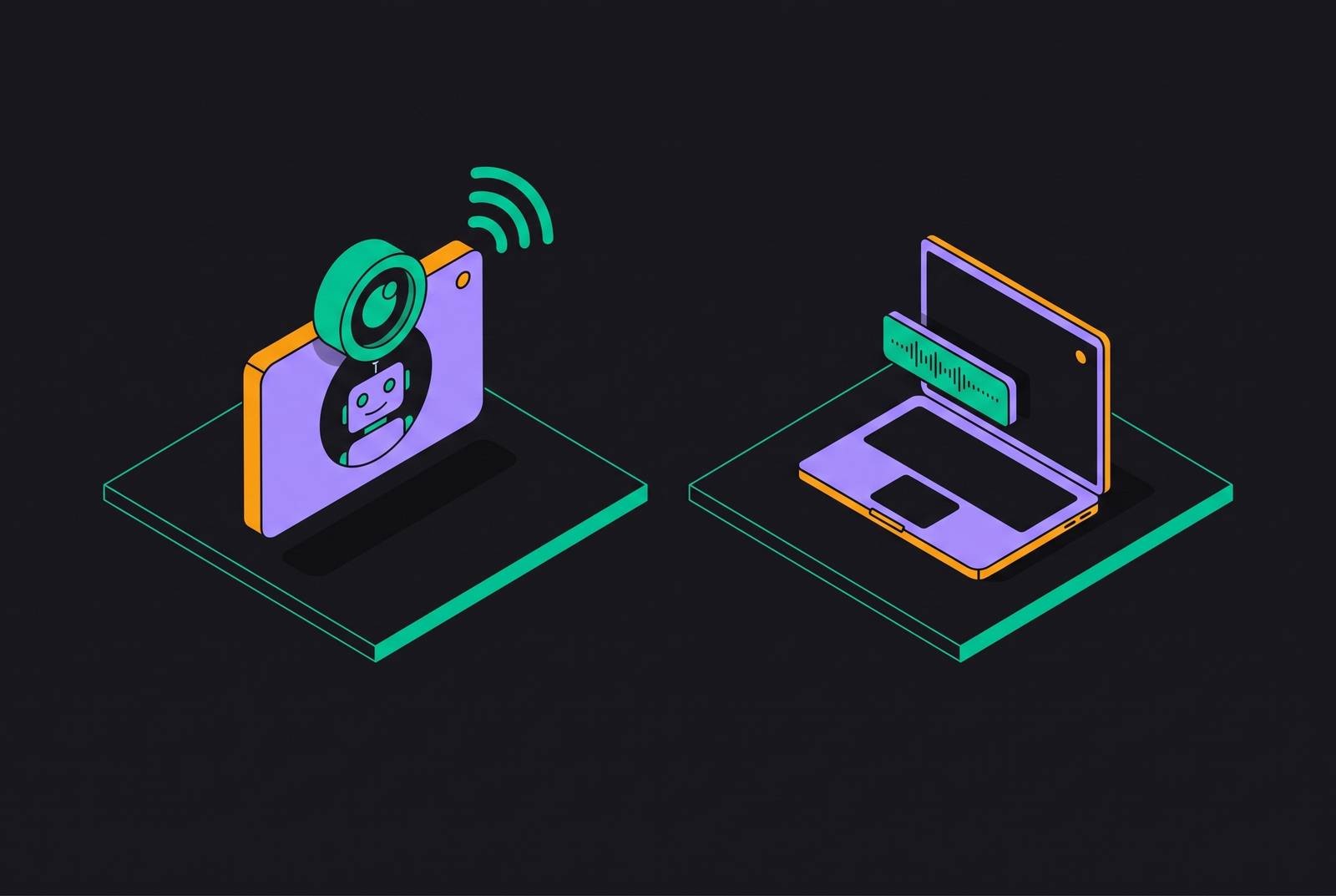
Bot-based recording works by sending a named participant into the call. The bot appears in the roster, usually labeled something like "Notetaker," and everyone on the call sees it join. The bot pulls audio straight from the meeting platform's own feed, so it works even when the host is dialing in from a phone or some other device that can't run local capture software. Because the bot has direct access to the platform's participant metadata, it tends to map audio to specific speakers with more consistency than desktop capture manages on its own.
Desktop recording, sometimes called botless capture, skips the roster entirely. It grabs audio at the device level, through the microphone, through the system's audio output, or both, without ever presenting itself as a participant. There's no "Notetaker has joined the meeting" banner, no extra name for anyone to notice. That also means it isn't tied to any single meeting platform's permission system. It runs underneath Zoom, Google Meet, Microsoft Teams, Slack huddles, phone calls, and in-person conversations alike, anywhere a microphone can pick up sound. The tradeoff is that audio quality now depends heavily on the user's own microphone and the room they're sitting in, rather than a clean feed pulled from the platform.
What happens to the audio afterward varies by vendor. Some tools keep processing local and don't retain a replayable archive at all; others ship the recording to the cloud once the meeting ends. But downstream of capture, the pipeline is the same regardless of which door the audio came through: transcript, AI summary, action items, a searchable record.
Since March 2026, Google Meet has started flagging most third-party bots to the host as a "potential risk" before letting them in, with the default now to deny entry unless the host actively approves admission. The host can still override it, but the default has flipped: denial is now the automatic outcome unless someone actively approves the bot. That's friction baked into the platform itself, and it pushes some meetings toward desktop capture whether anyone in the room has a strong opinion about bots or not.
How recording visibility changes what people say in the room
Visibility changes behavior. That's not speculation, it's measurable, and it cuts in two directions depending on the room Laxis | Best AI Note Taker 2026. A 2025 Fellow.ai survey, vendor-sourced and worth reading with that caveat in mind, found that 84% of professionals said they change what they say when an AI notetaker is visibly present. In plenty of internal meetings, that shift is a net positive. People tighten up. They state decisions instead of implying them, and they name an action item out loud instead of letting it evaporate into "someone should probably look into that." A bot sitting in the roster functions as a low-grade accountability mechanism: this is being written down, so make it count.
But the same visibility can just as easily shut people down. A 2024 study out of Cornell, published in Communications Psychology, found that people working under algorithmic surveillance generated fewer ideas and self-censored more than people being observed by another human being. It isn't observation itself that suppresses candor, but the specific flavor of being watched by a system rather than a person. The same study found something equally useful for anyone designing how a bot gets introduced: when the AI tool was framed as developmental, there to help, rather than evaluative, there to judge, the negative effect on people's sense of autonomy stopped being statistically significant. Framing carries almost as much weight as the bot's presence itself.
A separate 2022 meta-analysis in Frontiers in Medicine, looking at clinical settings, found that awareness of being observed was linked to a 41% higher odds of behavior change, though the authors were careful to note this didn't hold up as statistically significant in the best-designed controlled studies Laxis | Best AI Note Taker 2026. Read across all three, observation changes behavior, though the size and direction of that change depends on trust, framing, and what's actually at stake for the person being recorded. None of this is about transcription accuracy. It's about whether the room stays honest, and that's the real reason the mode choice matters at all.
Meetings where a visible bot is the right default
Internal team meetings are the clearest case for a visible bot. Standups, sprint planning, project syncs, all-hands: nobody in the room is surprised by a notetaker, and everyone benefits from the notes it produces. The documentation is the point. A visible bot doesn't just tolerate that goal, it reinforces it, because the notes that come out the other side are shared artifacts by design, posted in Slack, fed straight into project trackers, visible to the whole team rather than filed away in one person's private archive.
Sales discovery calls and demos belong in the same category, for a different reason. Transparency there builds credibility rather than undermining it, as long as it's framed correctly. A rep who says "I have an AI notetaker so I can focus on our conversation instead of scribbling notes" is positioning the bot as something that serves the prospect's interests, not something watching them. Beyond the notes themselves, a bot on a sales call carries conversation intelligence value that desktop capture doesn't automatically surface in the same way: it can flag when a prospect names a competitor, mentions a timeline, or signals buying readiness, all of which routes into a CRM for coaching and for keeping pipeline data honest.
More broadly, any meeting where the output is meant to be a shared artifact favors the visible bot. Cross-functional reviews, client kickoff calls where every party already expects a written record, recurring syncs across departments, these are all situations where visibility removes ambiguity rather than creating it. Everyone knows what's being captured and who gets to see it later. Bot-based capture also carries a practical edge here: because it maps audio directly to participant identities pulled from the platform, speaker identification tends to hold up better in longer meetings or larger groups, where desktop capture alone has more room to blur one voice into another.
Meetings where desktop recording is the better fit
First calls with a new client or prospect sit at the other end of the spectrum. A bot showing up in that very first conversation, before any trust has been built, can read as surveillance rather than diligence. Hands-on testing across more than 50 meetings by Simular in 2026 turned up exactly this friction, prospects and new contacts asking, in effect, why there's a robot in the meeting. Desktop capture sidesteps that entirely. The notetaking infrastructure stays invisible, and the meeting stays focused on the actual conversation instead of on explaining the tooling.
One-on-ones carry a similar logic, but for a sharper reason. Performance conversations, career discussions, anything touching personal feedback, these are exactly the contexts where the accountability effect of a visible bot works against the goal instead of for it. A visible bot in a 1:1 changes what both parties are willing to say. Desktop capture lets the conversation happen the way it would have happened without any recording at all, while still producing a usable summary afterward.
User research interviews belong here too. Participants tend to give more authentic, less guarded answers when they aren't looking at a visible AI participant sitting in on the session, and that authenticity is the entire point of qualitative research. A bot in the room doesn't just change the mood, it can quietly degrade the data itself.
Then there's the practical layer. Google Meet's March 2026 shift means bot admission now takes an extra step from the host and comes wrapped in a "potential risk" warning, which in an external meeting can create real awkwardness or an outright denial before the call even starts Laxis | Best AI Note Taker 2026. And for a wide swath of everyday work, in-person conversations, Slack huddles, phone calls, hybrid setups where no single video platform is even involved, a bot simply has nowhere to join. Desktop capture is the only option that works at all. HR conversations and other regulated contexts round out this list: a named bot sitting in the participant roster can create its own compliance or perception risk, independent of whatever the conversation is actually about.
Consent requirements that apply to both modes equally
None of the above changes the legal baseline, and this is the point most likely to get glossed over. A visible bot in the participant list is not, by itself, legal notice that a meeting is being recorded. Consent has to be explicit, regardless of which capture method produced the recording. Desktop capture without disclosure isn't a clever workaround, either; if anything it carries the same or greater obligation, since there's no visible signal at all that anything is being recorded.
As of Recording Law's 2026 guide, the all-party consent states are California, Connecticut, Delaware, Florida, Illinois, Maryland, Massachusetts, Montana, New Hampshire, Oregon, Pennsylvania, and Washington. That list matters operationally, not just academically.
One participant dialing in from California or Illinois can shift the consent requirement for everyone else on that call, regardless of where they're sitting. Most companies don't have a policy written for that scenario, and the capture method doesn't change the exposure one bit. Bot or desktop, the legal risk is identical.
In practice, disclosure tends to take one of a few forms: someone says out loud at the top of the call that it's being recorded, the calendar invite itself mentions recording, or the platform enforces a visible banner. Fellow, for instance, shows disclosure banners automatically for internal meetings. Most botless tools function as personal recorders with no admin layer sitting above them, which becomes a real problem the moment a second person needs access to a recording or a compliance team needs to enforce a retention schedule. That gap becomes visible fast in any IT or legal review.
What to look for when a tool needs to support both modes
A tool that only offers bot recording is going to fail somewhere. It can't handle in-person meetings, it can't sit in on a Slack huddle, and it hits a wall in any external call where the other side simply doesn't want a bot present. A tool that only offers desktop capture fails in a different direction: it usually has no admin controls, no enforced retention policy, no org-wide visibility, which makes it a personal recorder rather than something a company can actually govern.
Evaluating a tool that claims to do both means checking a specific set of things, drawn from Simular's 2026 weighted testing criteria and Fellow's framing of enterprise requirements. Can the tool actually switch between bot and botless on a per-meeting basis, or is one mode clearly the afterthought? How reliable is diarization across both modes, particularly after the first 30 minutes of a longer meeting? Are notes and action items routed automatically into the tools where the work actually lives, CRMs, project trackers, team chat, or do they dead-end as a static summary that someone still has to copy and paste? Automatic capture applies to what's on screen, not just what's said, which matters enormously in visual-heavy meetings like code reviews or dashboard walkthroughs.
There's a simple test for whether the summary itself is doing its job: read it in under a minute, and check whether it answers three things, what was discussed, what got decided, and what happens next. If someone still has to rewrite it before sending it along, the tool isn't finishing the job it was bought to do. And the most underweighted criterion in most evaluations is what happens after the summary lands. Tools that route action items into CRMs and project systems, rather than requiring manual copy-paste, deliver the most sustained workflow value, more than tools that stop at transcription and summaries. For sales teams specifically, how deep that CRM integration runs, whether it creates contacts, updates deal stages, keeps pipeline data current without someone re-entering it by hand, often ends up mattering more than how clean the transcript reads.
Tools that offer both modes and their best fits
The field has already moved past the old bot-versus-botless framing. Fireflies, tl;dv, Otter, and Krisp each now offer more than one way to capture a meeting, according to Anarlog's September 2026 review, which makes the capture mode something users configure per meeting rather than something they lock in by picking a vendor.
Fellow runs bot or botless capture under one enterprise security framework, covering SOC 2 Type II, HIPAA, and GDPR, with the botless desktop app reaching across Zoom, Meet, Teams, Slack huddles, phone calls, and in-person conversations. It shows disclosure banners for internal meetings, lets admins set retention schedules by data type, whether that's transcript, summary, or video, and includes an "Ask Fellow" agent that drafts follow-up emails and pulls action items across past meetings on request. Paid plans start at $7 per user per month, and Fellow's own 2026 framing positions it as the strongest option for organizations that need governance spanning both capture modes.
Fireflies.ai offers bot capture or a Chrome extension path, backs it with more than 60 integrations across categories including CRM, and Simular's 2026 testing put it, alongside Otter, at the front of the pack for team collaboration and CRM depth. Paid plans run from $18 a month. tl;dv splits along a similar line, bot or desktop device capture, with added support for video, clips, and sales coaching workflows, plus more than 5,000 integrations, also starting at $18 a month.
Otter covers bot, desktop, and Chrome extension capture in one product, offers 300 free minutes a month and more than 50 integrations, and in 2026 launched a "Conversational Knowledge Engine" alongside an expanded MCP server that lets tools like Claude and ChatGPT query meeting history directly. Paid plans start at $16.99 a month. Krisp took a different path into this space, starting as noise cancellation software before becoming a bot-free AI meeting assistant built around on-device capture, though it now offers an optional bot as well; it holds up especially well in noisy environments, with 60 free minutes a day and paid plans from $12 a month.
At the more minimal end sits a bot-free tool built around local Mac capture that deliberately keeps no replayable audio archive, no call library, no clip sharing, just structured notes; unlimited meetings on the free tier with a 30-day history window, and paid plans from $12 a month, aimed squarely at privacy-conscious individuals who don't need a shared team record.