In-Person Meeting Transcription Without a Bot
Device-level audio capture finally makes meeting transcription work in physical rooms.
Why bot-based tools structurally cannot solve the in-person problem
Meeting transcription tools were built for video calls, and that design choice leaves in-person meetings almost entirely uncovered. Device-level audio capture, recording straight from a laptop or phone's microphone instead of dialing into a virtual room, is the architecture that closes the gap. It comes with its own tradeoffs in accuracy, consent, and how the transcript actually reaches the people who need it. The average workweek runs about 31 hours of meetings by most estimates, and a large share of that time happens face to face rather than on a screen. The choice between these two architectures determines how much of the workweek gets captured.
The stakes aren't abstract. Studies on meeting recall consistently find that participants forget roughly half of what was discussed within 24 hours, and that decay hits a Zoom call and a conference-table conversation equally hard. The tooling built to fight it has, until recently, only worked for one of those two rooms.
The dominant AI notetaker joins a call as a named participant. A line labeled something like "Notetaker" shows up in the attendee list, the tool pulls audio through the platform's own data stream, and that audio uploads to a vendor's cloud servers for transcription. It works cleanly when a platform URL, a meeting server, and an open participant slot all exist for the bot to occupy.
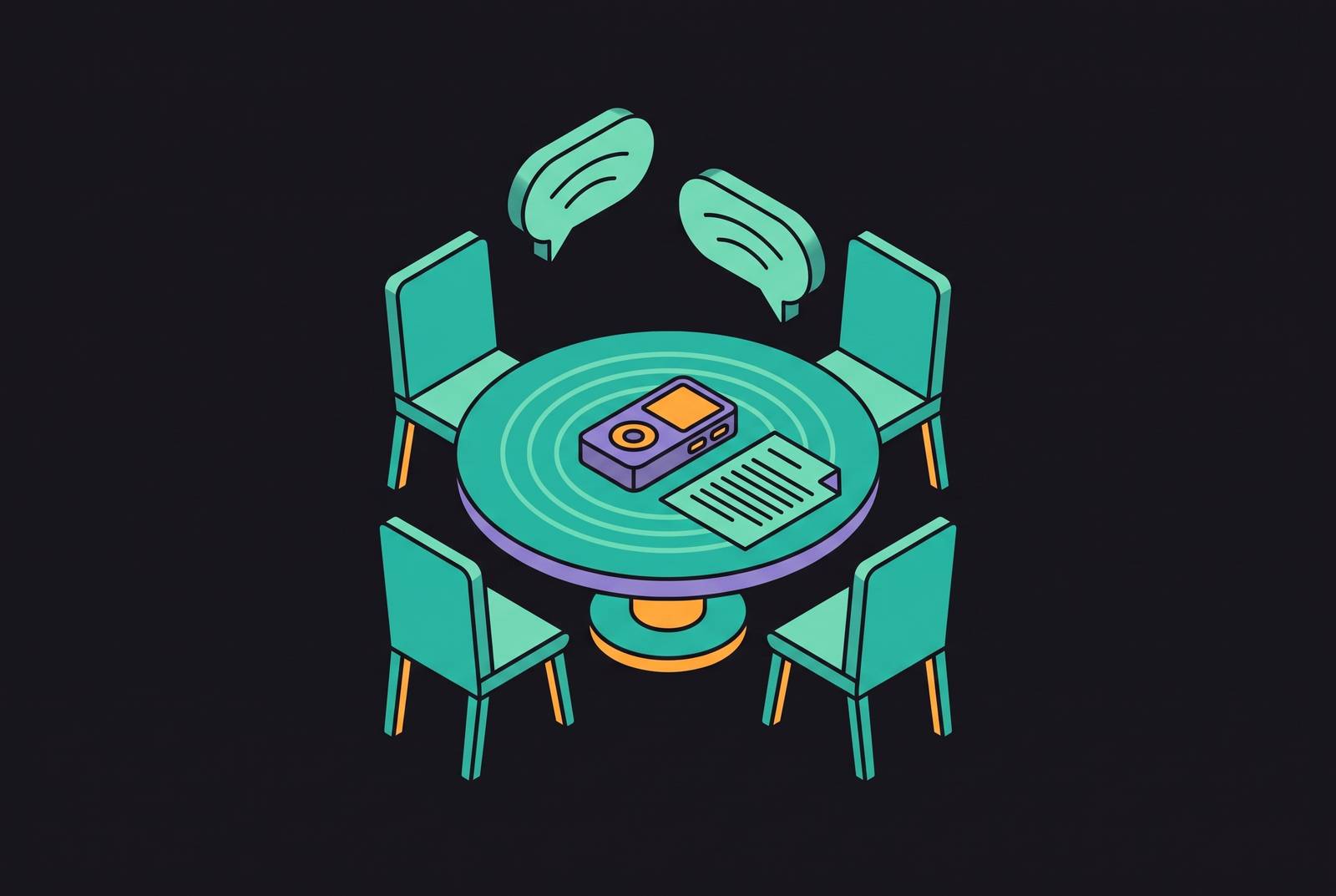
None of that exists in a conference room. There's no URL for a hallway conversation, no server for a client site visit, no participant list for a whiteboard session with a colleague. The bot has nowhere to attach itself. That isn't a bug waiting on a future patch, it's a mismatch between what the tool needs to function and what a physical room simply does not provide.
The architecture is fragile even on the calls it was built for. In late March 2026, Google rolled out a new guest admission flow on Google Meet that routes unrecognized bots into a "Potential Risk" queue, with denial as the default outcome. Hosts now have to manually override that block every single meeting for a bot to get in. A tool that can be locked out of the one environment it was designed for by a single platform update was never going to be the answer for environments that have no platform to begin with. That single policy shift is doing more to legitimize bot-free architecture than any marketing pitch could.
Device-level audio capture: how the alternative architecture works
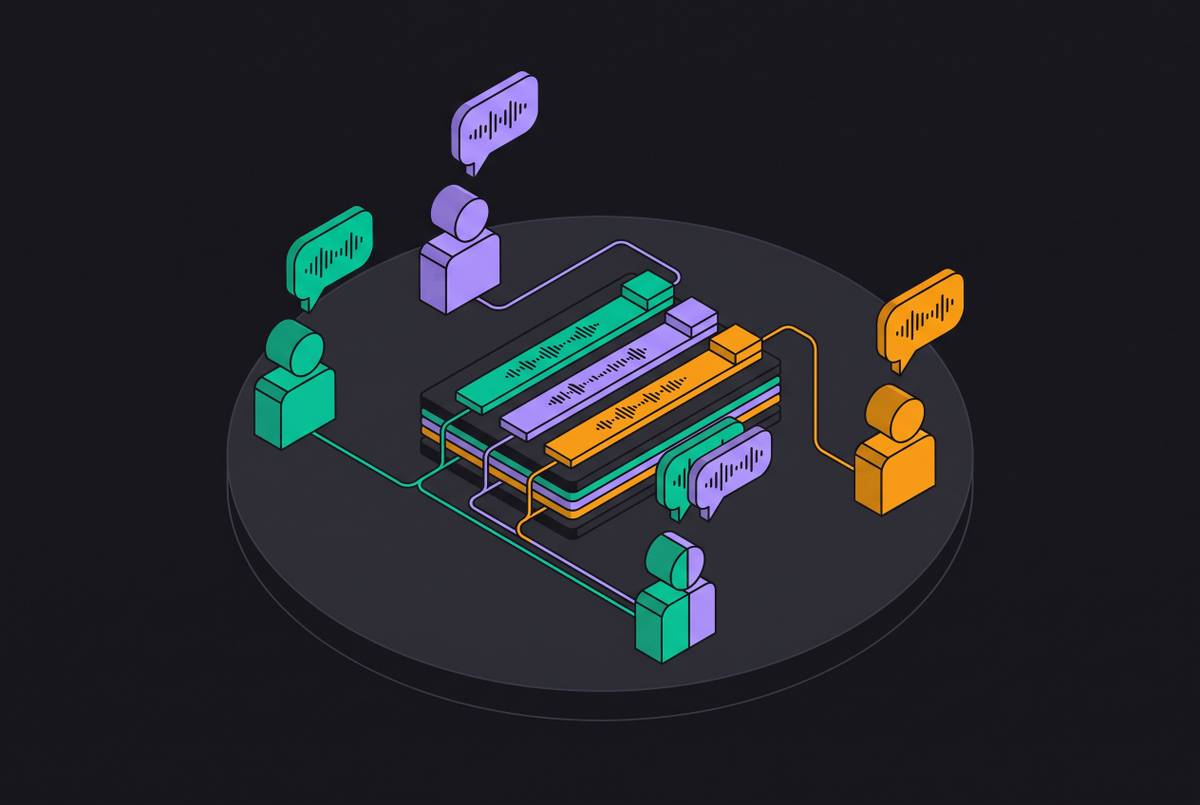
Bot-free tools skip the whole problem by recording audio at the source: system audio and the microphone, captured through the operating system itself. No third party joins the call. No bot appears anywhere, because there's no meeting session for one to join.
The pipeline downstream of that capture looks almost identical to the bot-based version. Audio gets recorded, speech turns into text, the system pulls out highlights and action items, and the output syncs to whatever tools the team already runs. The only step that actually changes is the first one: how the audio gets picked up to begin with.
Two modes fall under this umbrella, and they solve different problems. Desktop capture records system audio and the microphone on a laptop, which handles virtual calls without a bot at all, but it's close to useless in a physical room unless that laptop happens to be sitting on the table as the primary audio source. Mobile capture, recording ambient room audio through a phone's microphone, is the one actually built for in-person use. There's no hardware to set up and nothing to install on anyone else's machine, which matters the moment a client meeting rules out putting software on someone else's laptop.
Some tools process audio locally, on-device, and never send raw audio anywhere. Others route it through cloud transcription APIs. That difference carries real consequences for privacy, and it deserves its own treatment alongside consent and disclosure below.
The tools that support in-person capture and what distinguishes them
Not every tool claiming "bot-free" support treats in-person capture as a real feature. Some built it as the core use case. Others bolted it onto a desktop-first product as an afterthought, and the difference shows the moment you actually try to use it in a hallway or a client's office. How deep the mobile capture goes, how the tool handles privacy and retention, and how far the workflow extends once a transcript exists are the distinctions that separate them.
One approach centers on local capture on a laptop, extended through a phone app to coffee meetings, conference hallway conversations, client site visits, and whiteboard sessions where pulling out a laptop would kill the conversation. A distinctive workflow choice in this category has the user typing sparse notes during the conversation itself, with the AI expanding and organizing them afterward, so the output reads like something a person actually wrote instead of a generic automated summary. Some tools built this way delete audio immediately after transcription and never retain the raw recording, which matters for security-conscious teams and for regulated contexts. It also means there's no way to go back and replay the actual conversation if a detail gets disputed later. Every buyer in this category weighs immediacy and privacy against replayability, whether they realize it or not.
Other tools lean harder into compliance credentials and lifecycle depth instead of local-only processing. Some carry compliance credentials such as SOC 2 Type II, HIPAA, and GDPR certifications, positioning them for finance, healthcare, and legal teams where governance requirements are non-negotiable and in-person coverage still has to survive an audit. Full meeting lifecycle support, structured agendas before the meeting, transcription and AI notes during it, action item tracking and follow-up after, appears in tools built around recurring, formal meeting cadences rather than ad hoc conversations.
Free tiers vary sharply across this category, and the gap between "unlimited recording" and "unlimited advanced summaries" means a free plan often doesn't cover what a team actually needs once they've committed to it.
Consent, disclosure, and the legal layer that device capture doesn't remove
A bot sitting in a participant list is, whether any vendor designed it this way on purpose or not, a visible consent signal. Everyone on the call sees it and knows recording is underway. Device capture removes that signal completely: no bot joins, no platform notice appears on anyone's screen, and the only person who knows recording is happening is the one holding the phone or sitting behind the laptop.
That doesn't erase the legal obligation to disclose it, and this is where teams get careless. Recording law in this country splits by state. One-party consent jurisdictions let any participant record a conversation without telling anyone else, but all-party consent states, California, Illinois, and Florida among them, require every person in the room to agree before recording starts. Get that wrong in the wrong state, and the convenience of bot-free capture turns into a liability question fast, the kind that arises in a deposition rather than a product review.
The EU adds another layer through GDPR, which governs how personal data gets processed no matter whether a bot is involved. Tools that delete audio automatically after transcription, or that process and host data within the EU, are meeting that requirement directly rather than treating it as a checkbox. Device capture solves an engineering problem. It does nothing to solve the legal and ethical one, and confusing the two is the mistake most likely to land a team in real trouble.
Getting transcribed content into the tools where work happens
A transcript sitting in an app, going nowhere else, isn't worth much. The pipeline that starts with capture has to end with sync: notes flowing into a CRM, into Slack, into Notion, into whatever project management system the team already runs on. In-person meetings generate the same decisions and the same action items virtual ones do, and those commitments need to land in the same systems, or the distinction between "recorded" and "acted on" collapses into nothing.
This is where the in-person capture category splits in two. Tools with strong mobile capture for face-to-face settings don't always have deep integration behind them, built well for capture and thin on where the output goes afterward. Tools with the deepest CRM automation, the ones built to autofill call logs, generate tasks, and map fields directly into sales software, tend to be the ones built first for the bot-based, virtual-call world, with in-person support arriving later as an extension rather than a foundation.
The tools that get this right make the sync workflow identical no matter how the audio got captured, so a recording from an in-person client visit feeds the same CRM fields and the same downstream automation as a recording from a scheduled video call. That parity, treating capture mode as an input choice rather than a fork in the workflow, is the detail to check closely before adopting anything for in-person use. A transcript is only as useful as the distance it has to travel before it reaches the person who has to act on it.